How can we help?
-
Get Started
-
Patient
-
Appointment
-
Communication
-
Offerings
-
Staff details
-
Reports
-
Settings
-
Tools
-
Troubleshooter
-
Privacy Policy
-
Billing
Print
Add Subscription details
1. Click on settings under Dashboard:
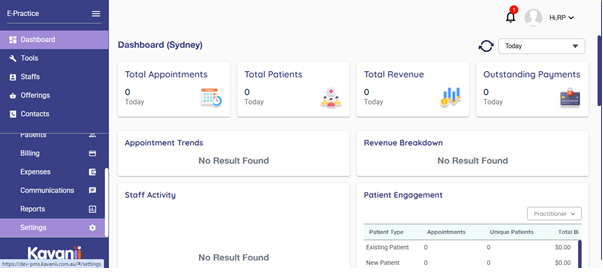
2. Click on subscription information under Subscription:

3. Click on subscribe plan:
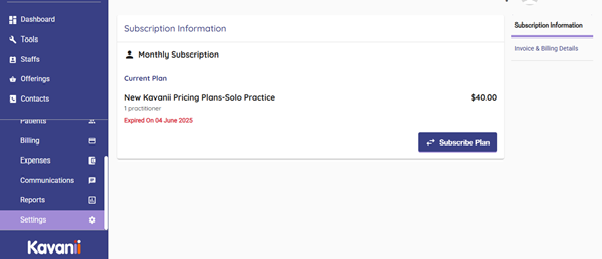
4. A page will be opened up with billing details and to add card details for the payment option, kindly add the details and click on subscribe to complete the subscription.
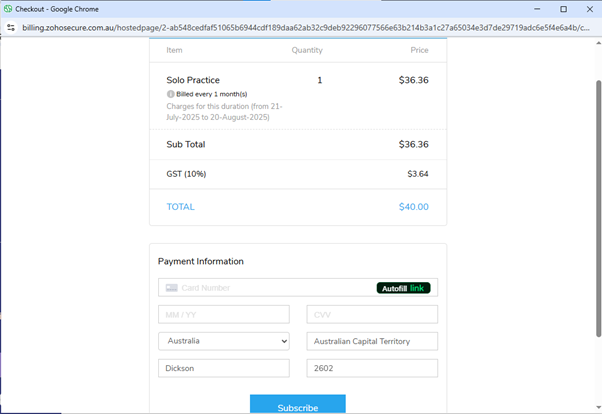
5. Please enter the card details and click on subscribe: the payment will be deducted after approval and you will receive confirmation.
Table of Contents